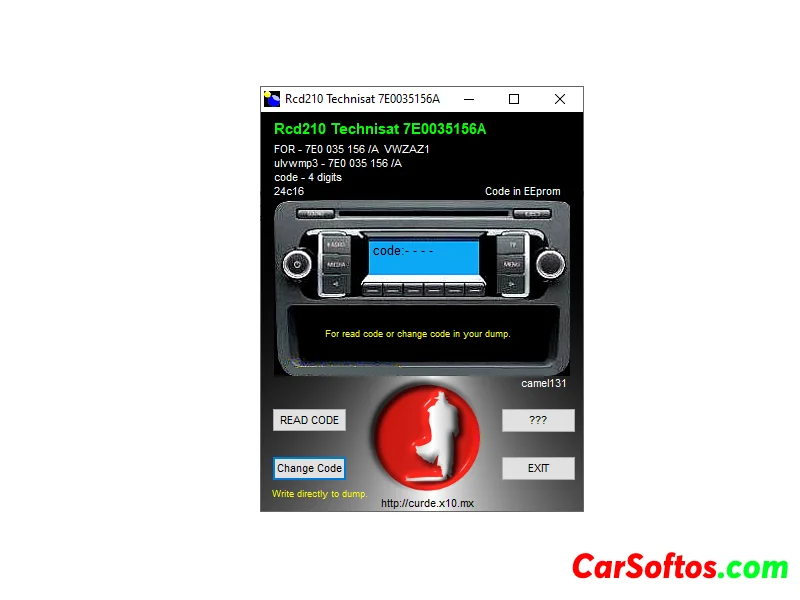
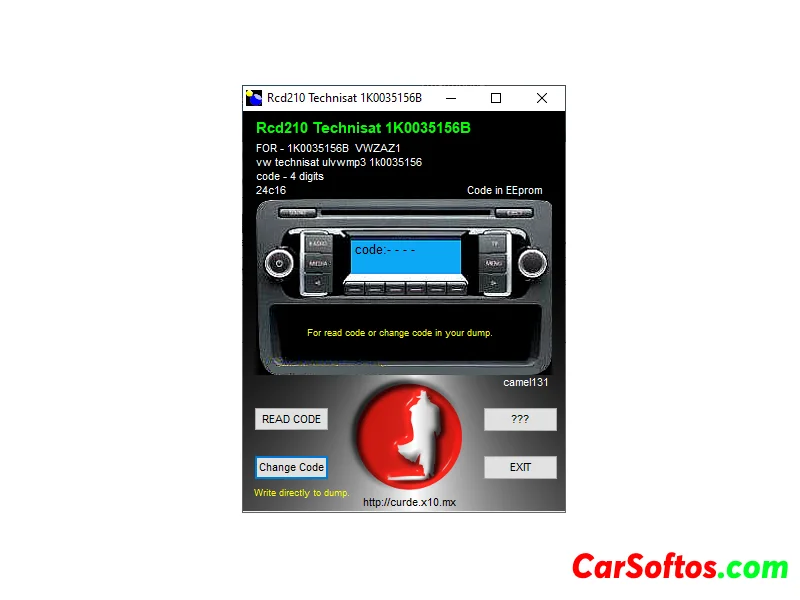
Description: Diagnosis, reading, clearing and exchanging fault codes, programming and monitoring the vehicle, setting and activating vehicle functions, etc.

| Rate the site |
Description: Diagnosis, reading, clearing and exchanging fault codes, programming and monitoring the vehicle, setting and activating vehicle functions, etc.


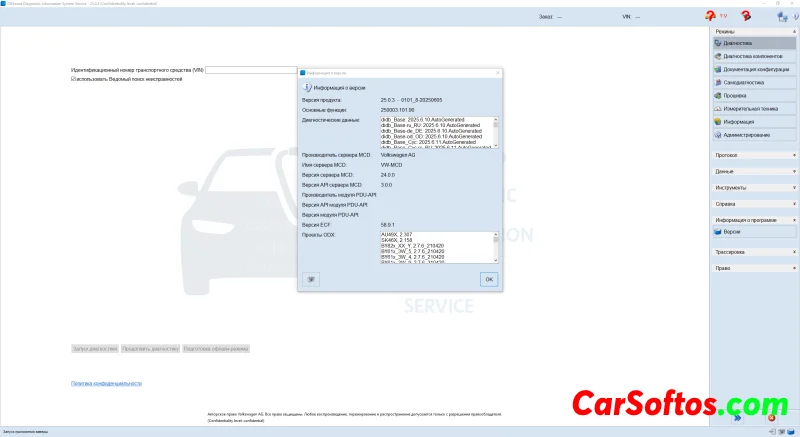
Description: Installation is simple, just write this Windows 11 image to a flash drive using RUFUS and install from the flash drive. You'll get a clean system with pre-installed ODIS Service 25.0.3 and ODIS Engineering 19 software.