
You are logged in as a guest, we recommend that you log in or go
process of registration. If you forgot your password, you can restore it
Navigation
Top News
Statistics
Advertisement
Аrchives
Votes
| Rate the site |
BMW CAPS 3.8 Full
Author: carsoftos777 | 5-03-2021, 00:31 | Programs for cars and diagnostics / BMW | Views: 3 845 | Comments: 0 | Found a bug?
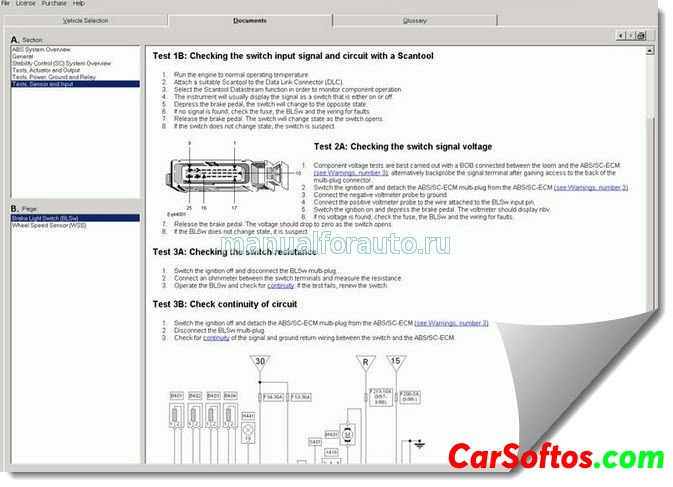
Description: Computer Aided Problem Solving - CAPS contains information on engine management systems and injection systems, including diesel engine management systems for BMW vehicles. Information is provided on the arrangement of elements, pinout of connectors, error codes, adjustment parameters, methods of checking and testing circuit elements, descriptions of signals and their oscillograms, symptoms of malfunctions and directly circuits of engine control systems.
Focuses on ECUs of predominantly European vehicles. It has a very small volume, because highly specialized. Contains texts on diagnostic procedures - "fault trees" and ECU "pinout" tables indicating the voltages at the terminals. The images are represented by types of ECU connectors, diagrams of their inclusion in the wiring, as well as basic oscillograms.
Program installation :

If installation errors:
Solution to the problem:
Year of issue: 2005
Version: 3.8
Interface language: English only


Tags:
Information
Users of Guests are not allowed to comment this publication.
Users of Guests are not allowed to comment this publication.