
You are logged in as a guest, we recommend that you log in or go
process of registration. If you forgot your password, you can restore it
Navigation
Top News
Statistics
Advertisement
Аrchives
Votes
| Rate the site |
Scania SDP3 2.37.2 + Emulator [2018]
Author: carsoftos777 | 19-11-2022, 00:18 | Programs for cars and diagnostics | Views: 514 | Comments: 0 | Found a bug?
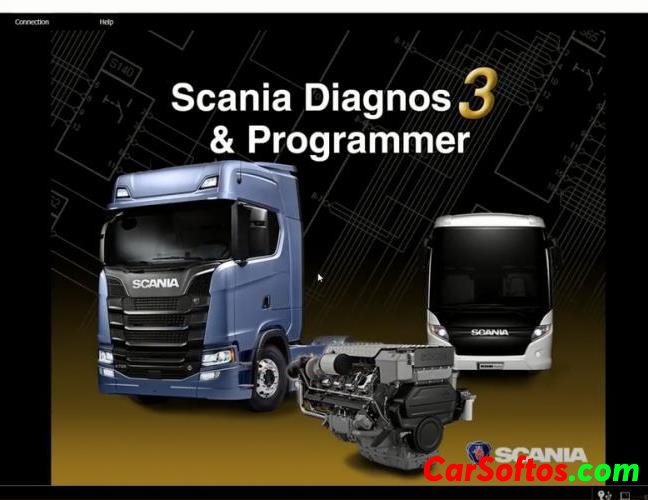
Description: Scania Diagnos & Programmer 3 (SDP3) communicates with Scania vehicles and Scania industrial and marine engines.
The program is designed to ensure the operation of the electrical system in the CAN network.
The program is used for troubleshooting, setting customer preferences, performing calibrations, performing upgrades that affect the electrical system, and updating control unit software.
Diagnostics will require a VCI2 or VCI3 adapter
Installation

Year/Date of Issue: 2018
Version: 2.37.2
Interface language: Multilingual
![Scania SDP3 2.37.2 + Emulator [2018]](/downico/downl.png)

Tags:
Information
Users of Guests are not allowed to comment this publication.
Users of Guests are not allowed to comment this publication.