
You are logged in as a guest, we recommend that you log in or go
process of registration. If you forgot your password, you can restore it
Navigation
Top News
Statistics
Advertisement
Аrchives
Votes
| Rate the site |
MAN Mantis EPC Update 638 (07.2020) Full
Author: carsoftos777 | 2-03-2021, 13:16 | Programs for cars and diagnostics | Views: 3 164 | Comments: 0 | Found a bug?
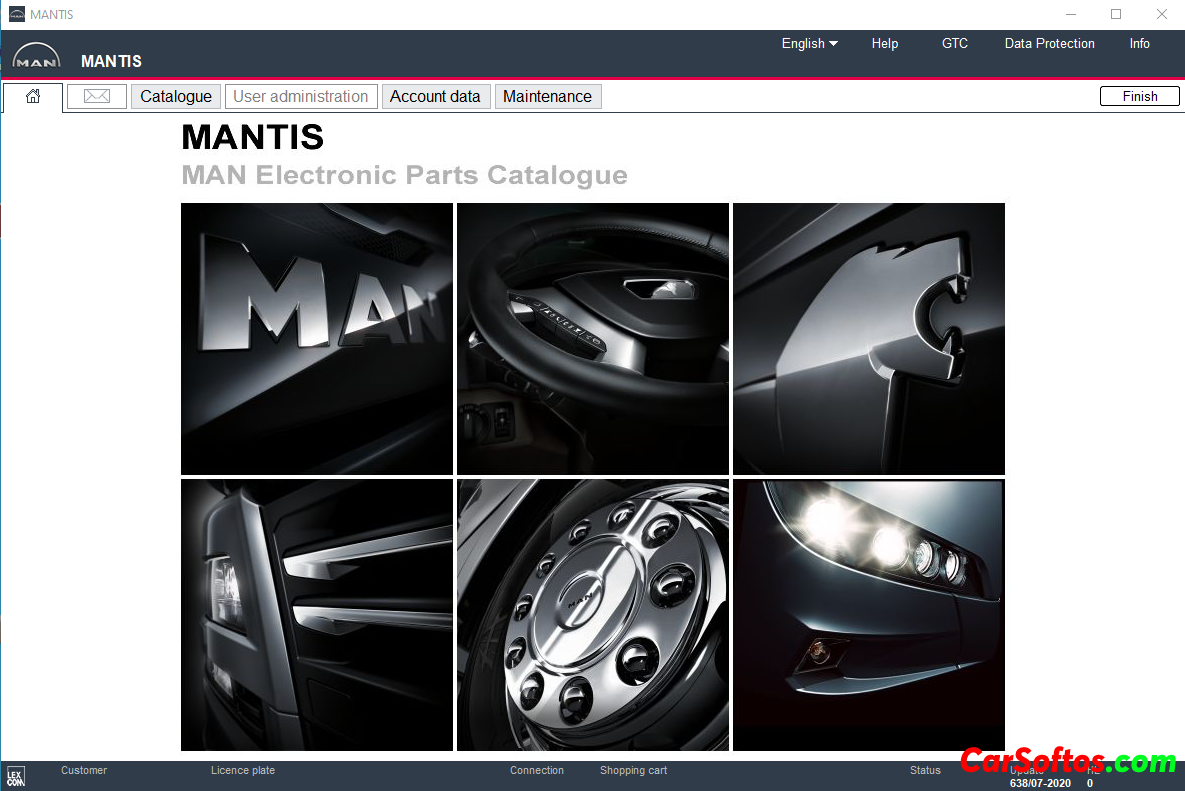
Description: Man Mantis spare parts catalog presents spare parts for trucks, tractors, Man buses, MAN engines.
In the new version of the program, it allows you to enter the full VIN of the car on identification, but only the model and release date is determined by VIN. There is a search for a drawing by the original part number and a list of cars where the part was used, as well as replaced part numbers, both new and old. To search for spare parts for a specific machine, you need to know the VIN or know exactly the model, wheel formula, center distance, type of suspension and cab, as well as the type and modification of the engine installed on the machine. Search by VIN in the program is implemented as follows. You can enter the full VIN or use 4 to 6 characters VIN to identify the type (up to five characters enter a zero) and 7 to 10 characters to identify the chassis number, you can also select the type and chassis number from the list of possible options. All other data to specify require a search directly on the machine.
The abbreviation MAN stands for the engineering plants Augsburg and Nuremberg. The MAN company was founded in 1915 and is one of the largest manufacturers of vehicles, including buses, as well as components for their assembly (axles, gearboxes, engines, cabins).
Add. Info:

Installation
Year / Release Date: 2020
Version: 638
Developer: Lexcom
Interface language: Multilingual (Russian is present)

Tags:
Information
Users of Guests are not allowed to comment this publication.
Users of Guests are not allowed to comment this publication.