
You are logged in as a guest, we recommend that you log in or go
process of registration. If you forgot your password, you can restore it
Navigation
Top News
Statistics
Advertisement
Аrchives
Votes
| Rate the site |
Komatsu Time v1.2 v1.1 Excavator Software
Author: carsoftos777 | 10-06-2022, 01:18 | Programs for cars and diagnostics | Views: 1 193 | Comments: 0 | Found a bug?
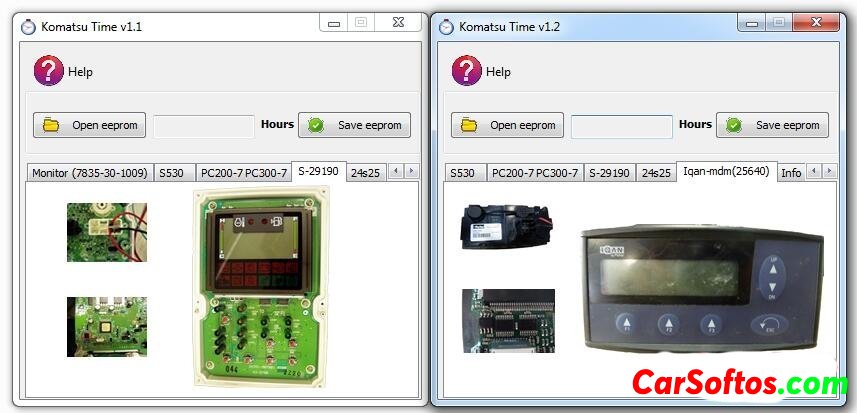
Komatsu Time - will help you exchange a damaged instrument cluster on Komatsu industrial equipment.
This software is easy to use, you just need to open the dashboard, find the EEPROM memory and read it with the CarProg software or another tool that can do it.
1. Click the "Open eeprom" button and upload the file. This software has an auto-detect feature, so when you upload an eeprom file, the software automatically detects what type of dashboard you have and shows you the current engine hours, which you can change.
If your dashboard is not supported by this version of the software, you will see a message asking you to send a file to support@codecard.lt and we will try to add your version of the dashboard to the Komatsu Time software.
2. After changing the engine hours, you must click the "Save eeprom" button. The file will be saved with the engine hours from the original control panel.
3. In the last step, you must write a new file to the Komatsu dashboard replacement and the instrument cluster will be adapted.


Tags:
Information
Users of Guests are not allowed to comment this publication.
Users of Guests are not allowed to comment this publication.