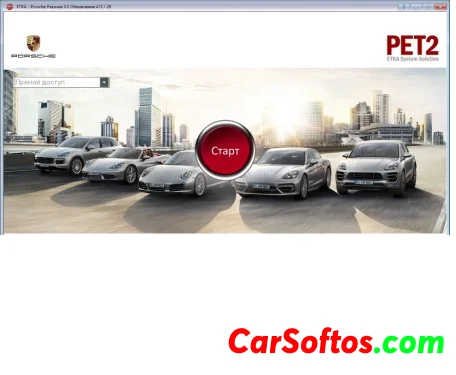
Pre-installed update 851
There are installation instructions, please read carefully.
Updating price lists and punching VIN codes from the FGST folder with a full key is done using the algeni loader launched from a shortcut. Instructions for setting it up are in the ETKA Loader folder in the Start menu.
Database updates are done using the automatic loader and updater from GGin00.
This version is configured for the C:\ drive. If you install it on a different drive, you must use the INI files from the appropriate folder for your drive.
Installation is possible on drives C:, D:, E:, and F:
To reduce the size of the distribution and installation time, the backup folders Prog2 and DATA2 have been removed; they will appear during the update.