|

Description: SDD supports JLR models from 2007-2016.
Installation:
1. Run VCredist all-in-one FIRST.
2. Install JLR version 168.
3. Run the OFFLINE.exe patch.
4. Run JLR SDD, then log in using the username and password below.
account: y-cai1
passwords: apri12012
5. Exit SDD.
6. Run the Offline.Fix.2020.7.14.exe patch.
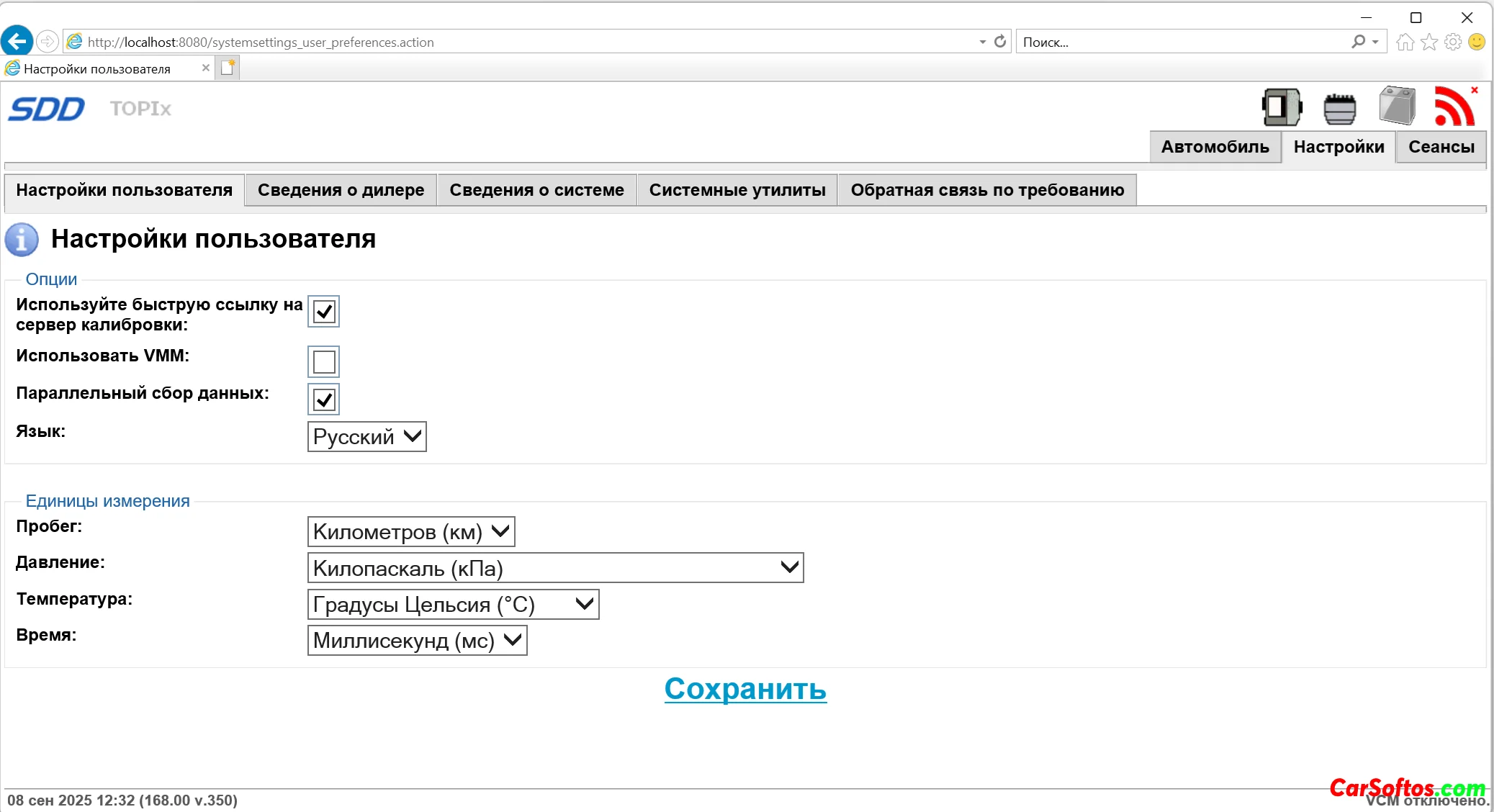
7. Restart your computer, run SDD and use it as normal. You may need to go to Settings > Network and enable your network connection for online downloads to work.
The network icon may be red, but downloads should work. NOTE: Edge now works without problems.
Year/Release Date: 2025
Version: 168
System requirements: Windows /8/7/Vista/(x32/x64)/Windows 10/11
Interface language: English + Russian
come back
|
![Jaguar Land Rover JLR SDD 168 [2025] Full](/downico/downl.png)