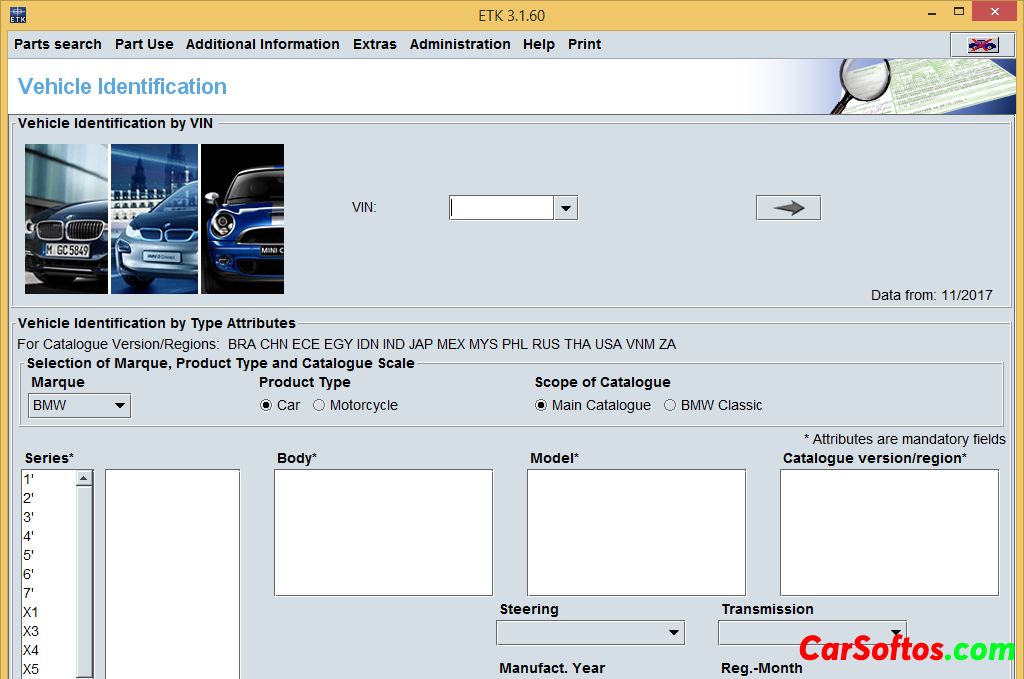
Description: Catalog of spare parts from the manufacturer. The search is carried out both by the spare part number, and by the car model or by the VIN of the car.
To update the program:
Run the ETK Admin application and select "Data" - "Load published data ..." in the menu, where you specify the path to the disk where the image from this distribution is mounted.
For a new installation:
1 The name of the computer (not the user, but the computer!!!) must be in Latin. (Latin alphabet)
2 Application policy regarding "correct" ports has changed. It is better to try to leave those that the installation program itself will offer.
3 Do not fill in server addresses.
4 The RR directory is set by entering the password oxford12. The password for ZINORO is shenyang15
5 Market choose Eastern Europe.
6 Firm and business partner ID 1 and 1 (in both fields).
If the shortcut to launch the accessories catalog disappeared or did not appear:
copy the shortcut to the main directory "ETK Lokal" and in the properties of the shortcut add an object in the field after ETK.exe app=zub
If the wrong language is set (Thai or some other "completely left"), then to correct the error, you need to go to the initial setup menu window: select the 4th item in the top menu of the application window, then the 3rd item from the top in the drop-down list. You can select a language from the list located approximately in the middle of the window. Russian language will be placed under Portuguese.
Add. Information: When installing turn off TORRENT !!!!!!
Installation from DVD or virtual disk !
Year/Date of Issue: 12/2017
Version: 3.1.60
Interface language: Multilingual
come back
|