Bootable SD card from car radio Panasonic Strada CN-RX04D [2018]
16-06-2022, 12:49. Posted by: carsoftos777
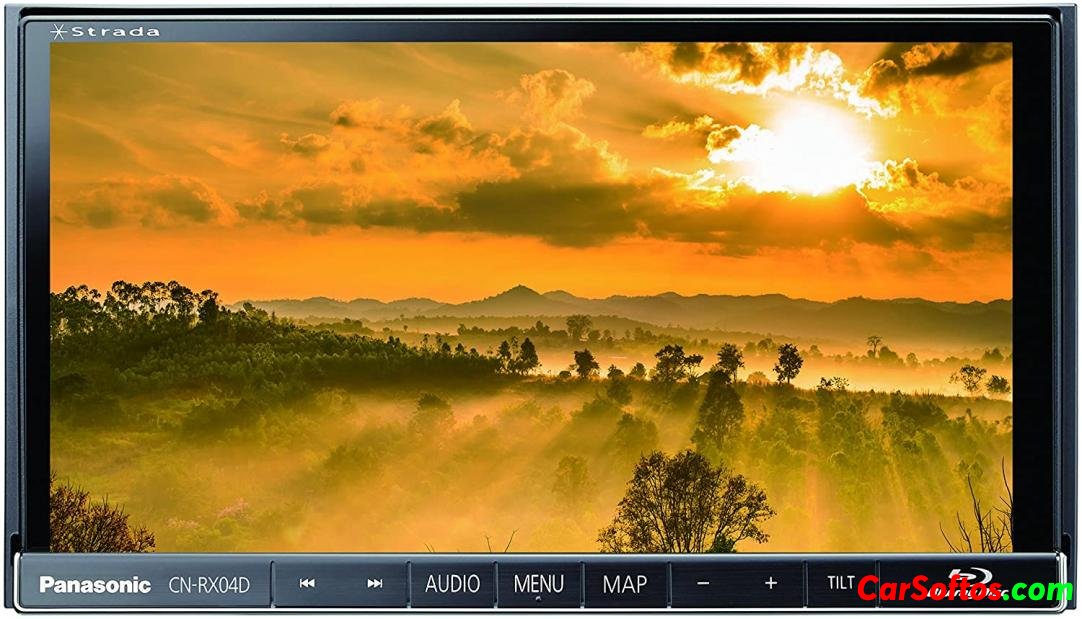
Description: The image of the navigation SD card for embedded systems, as well as for the resuscitation of the radio as a whole.
Required to load navigation on Japanese cars (right-hand drive), for example, after disconnecting the battery, as well as to navigate Japan.
For some systems, it may activate the built-in MP3 and DVD functions.
Add. Information: The image was made using the program UltraIso
How to write to a flash drive:
UltraISO is used.
1. File => Open => select .ima file
2. Boot => Write a hard disk image. Select RAW recording method and SD card drive.
The card must be empty, FAT32.
3. Click Burn and wait for the end.
4. Install the card in the GU.
Where to install the flash drive:
1. Tilt the screen by pressing the Tilt button
2. Slide the plastic cover to the left, it will come off
3. Under the cover there will be an SD card slot (right), insert it there
Year/Date of Issue: 2018
List of countries on the disk: Japan
Supported languages: Japanese
Compatible with systems: Panasonic Strada CN-RX04D
come back